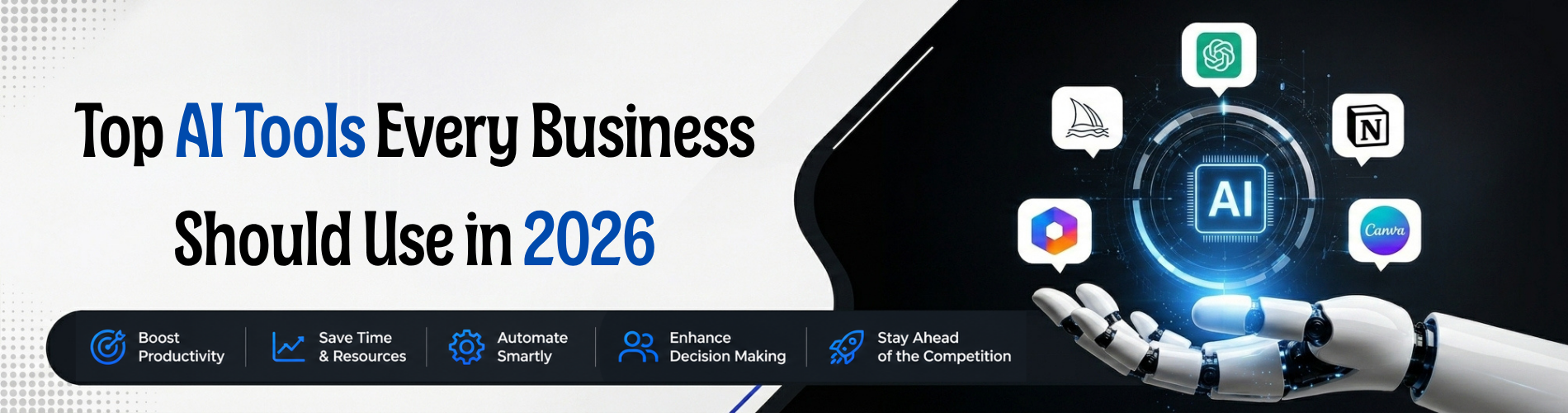
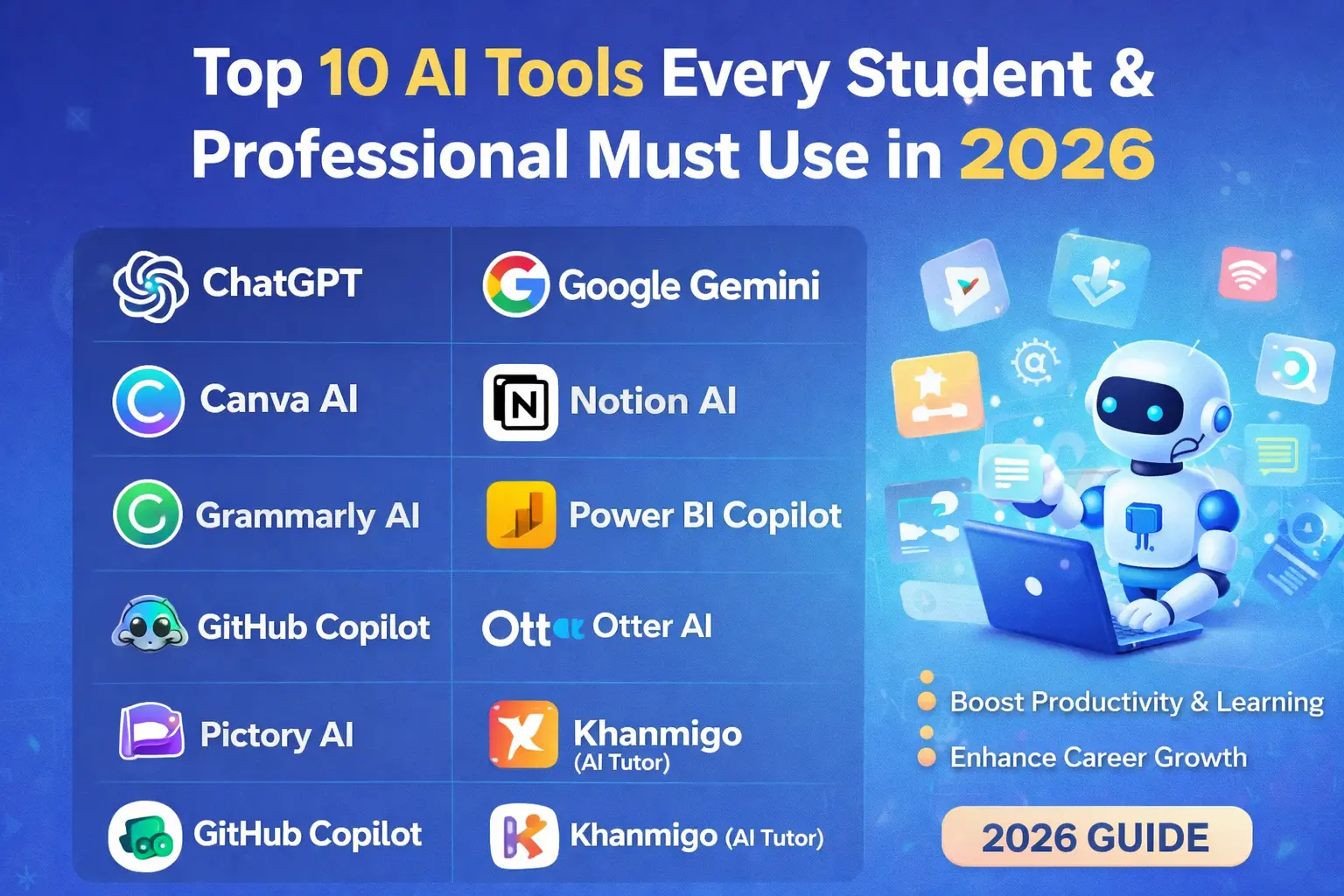
Why Businesses Are Adopting AI in 2026
AI adoption is expanding across departments and job functions. Research into enterprise ChatGPT usage found that organizations are using AI for a broad range of knowledge-work tasks, including writing, technical work, communication, and information synthesis.
At the same time, AI is increasingly being integrated into existing business applications. Enterprise software platforms such as Microsoft 365, Google Workspace, Slack, Adobe, Notion, and Zoom are all incorporating AI capabilities into established workflows.
Businesses are using AI to:
- Automate repetitive tasks
- Create and edit content
- Analyze documents
- Research markets and competitors
- Improve customer support
- Generate reports
- Summarize meetings
- Assist software development
- Analyze business data
- Improve marketing campaigns
- Automate workflows
- Support decision-making
The goal should not be to replace every existing business process with AI. Instead, businesses should identify tasks where AI can reduce manual effort while keeping appropriate human oversight.
1. ChatGPT – All-Purpose Business AI Assistant
ChatGPT is one of the most versatile AI assistants available to businesses in 2026.
It can support a wide range of knowledge-work tasks, making it useful across marketing, sales, administration, IT, management, customer service, and operations.
Business Use Cases
Businesses can use ChatGPT for:
- Writing emails
- Creating business proposals
- Preparing reports
- Summarizing documents
- Brainstorming ideas
- Creating marketing content
- Developing FAQs
- Analyzing data
- Generating business plans
- Research assistance
- Creating presentations
- Drafting technical documentation
- Assisting with programming
For organizations that need one general-purpose AI assistant across multiple departments, ChatGPT can be a strong starting point.
However, businesses should establish clear policies for handling confidential information and sensitive company data.
2. Microsoft 365 Copilot – AI for Microsoft-Based Businesses
For organizations already using Microsoft 365, Microsoft Copilot can be particularly useful because AI capabilities are integrated into familiar productivity applications.
Microsoft's ecosystem includes applications such as:
- Word
- Excel
- PowerPoint
- Outlook
- Teams
- SharePoint
This means employees can use AI within workflows they already understand instead of moving information between multiple standalone applications.
Business Use Cases
Microsoft Copilot can help employees:
- Draft and summarize emails
- Create documents
- Analyze spreadsheets
- Prepare presentations
- Summarize Teams meetings
- Extract information from business documents
- Organize information
- Assist with repetitive office tasks
For Microsoft-centric organizations, choosing an AI platform that works within the existing Microsoft environment can simplify deployment and user adoption.
3. Google Gemini – AI for Google Workspace Users
Businesses using Google Workspace can consider Gemini as part of their AI strategy.
Gemini can support workflows involving:
- Gmail
- Google Docs
- Google Sheets
- Google Slides
- Google Meet
- Google Drive
Business Applications
Teams can use AI to:
- Draft emails
- Summarize conversations
- Create documents
- Analyze information
- Generate presentations
- Summarize meetings
- Brainstorm ideas
- Assist with research
Google is also expanding its enterprise AI offering. In August 2026, Google expanded Gemini Enterprise into specialized business applications, including a legal-focused version with AI agents and integrations with enterprise software.
This demonstrates a broader industry trend toward specialized AI agents designed to work with enterprise data and workflows.
4. Claude – AI for Writing, Analysis and Complex Documents
Claude from Anthropic is another important AI platform for businesses.
It is particularly useful for tasks involving:
- Long documents
- Business writing
- Research
- Analysis
- Summarization
- Technical documentation
- Coding
- Structured reasoning
Recent 2026 user-satisfaction research placed Claude ahead of Gemini and ChatGPT among surveyed AI assistants, although individual results and suitability can vary significantly depending on the task.
Business Use Cases
Companies can use Claude for:
- Reviewing lengthy documents
- Summarizing reports
- Drafting business communications
- Analyzing policies
- Reviewing contracts with appropriate professional oversight
- Creating technical documentation
- Supporting research
- Assisting developers
For businesses that regularly work with large amounts of text, Claude can be a useful addition to the AI toolkit.
5. Perplexity – AI-Powered Business Research
Traditional search engines are not always the fastest way to research a complex business question.
AI-powered research tools such as Perplexity can help users gather information from multiple online sources and produce a structured answer.
Business Use Cases
Perplexity can be useful for:
- Market research
- Competitor research
- Industry research
- Product research
- Technology research
- Finding recent developments
- Preparing research summaries
- Identifying relevant sources
For example, a marketing team researching a new market can use an AI research platform to identify competitors, industry trends, customer questions, and emerging technologies before conducting deeper verification.
Businesses should still verify important facts against primary or authoritative sources before making financial, legal, medical, or strategic decisions.
6. GitHub Copilot – AI for Software Development
Software development teams can use AI coding assistants to accelerate development and reduce repetitive programming work.
GitHub Copilot can assist developers with:
- Code generation
- Code completion
- Debugging
- Documentation
- Refactoring
- Test generation
- Understanding unfamiliar code
However, AI-generated code should always be reviewed before deployment.
This is especially important for business applications involving authentication, payment systems, customer information, databases, APIs, and cybersecurity.
Recent research examining AI-generated code from several major AI systems found exploitable vulnerabilities across generated automation scripts, highlighting why human security review remains essential.
7. Zapier AI – Workflow Automation
Many businesses spend significant amounts of employee time moving information between applications.
For example:
A customer submits a form → employee receives an email → information is entered into a CRM → sales team receives a notification → follow-up task is created.
AI-powered automation platforms can help connect these processes.
Zapier can integrate different business applications and automate repetitive workflows.
Example Automations
Businesses can automate workflows such as:
- Lead form → CRM
- Website inquiry → email notification
- New order → internal notification
- Customer form → spreadsheet
- New support request → task creation
- Email attachment → cloud storage
- New customer → CRM record
The advantage is not simply "using AI." The real value comes from eliminating repetitive manual steps.
8. Notion AI – Business Knowledge and Productivity
Businesses often have information distributed across documents, meeting notes, project pages, procedures, and internal knowledge bases.
Notion AI can help teams organize and work with information stored inside their workspace.
Business Use Cases
Teams can use AI for:
- Meeting notes
- Document summaries
- Project planning
- Internal knowledge
- Content drafting
- Task management
- Research notes
- Brainstorming
For small and medium-sized businesses, combining a knowledge-management platform with AI can make internal information easier to access and reuse.
9. Canva AI – Marketing and Visual Content
Marketing teams increasingly need to produce graphics, presentations, social media posts, advertisements, and other visual content quickly.
Canva's AI-powered features can assist with:
- Social media graphics
- Presentations
- Marketing materials
- Advertising concepts
- Image generation
- Content resizing
- Design variations
This can help businesses reduce the time required to produce routine marketing assets.
However, AI-generated visuals should still be reviewed for brand consistency, accuracy, typography, and commercial suitability.
10. AI Tools for Customer Service
Customer service is another major area where AI can provide significant value.
AI-powered customer service platforms can assist with:
- Frequently asked questions
- Initial customer responses
- Ticket classification
- Knowledge-base search
- Conversation summaries
- Customer routing
- Automated support
Instead of replacing customer-service employees completely, businesses can use AI to handle repetitive questions while human agents focus on complex issues.
For example:
Customer: "What are your delivery options?"
AI can answer immediately.
Customer: "My enterprise order arrived damaged and I need a replacement."
The system can route the case to a human support specialist.
This hybrid approach can improve response times while maintaining human support where it matters.
11. AI for Sales and CRM
AI is also becoming increasingly useful in sales operations.
AI-powered CRM systems can help sales teams:
- Summarize customer interactions
- Prioritize leads
- Draft follow-up emails
- Analyze sales conversations
- Identify sales opportunities
- Predict potential customer actions
- Automate routine CRM updates
Sales teams can therefore spend less time on administrative work and more time communicating with customers.
12. AI for Business Analytics
Businesses generate huge amounts of data from:
- Sales
- Websites
- Advertising
- CRM systems
- Inventory
- Customer service
- Finance
- Operations
AI-powered analytics tools can help employees interpret this information more quickly.
For example, an AI analytics system could help identify:
- Sales trends
- Underperforming products
- Customer behavior
- Marketing performance
- Inventory patterns
- Operational bottlenecks
The important point is that AI should support decision-making rather than replace responsible business analysis.
13. AI Meeting Assistants
Meetings generate a large amount of information that can easily be forgotten.
AI meeting assistants can automatically help with:
- Transcription
- Meeting summaries
- Action items
- Speaker identification
- Key decisions
- Follow-up tasks
This can be particularly useful for:
- Management meetings
- Sales meetings
- Project meetings
- Client meetings
- Remote teams
- Hybrid workplaces
Instead of employees spending time manually writing notes, AI can create a structured summary that teams can review afterward.
How Businesses Should Choose AI Tools in 2026
With so many AI tools available, businesses should avoid purchasing software simply because it is popular.
Instead, evaluate each tool against specific business requirements.
1. Identify the Business Problem
Start with the problem, not the technology.
Ask:
What task are we trying to improve?
For example:
- Too much manual data entry
- Slow customer support
- Excessive document processing
- Poor reporting
- Time-consuming content creation
- Repetitive administrative work
Once the problem is identified, choose the AI solution that addresses it.
2. Check Integration
AI tools should ideally work with your existing technology stack.
Check compatibility with:
- Microsoft 365
- Google Workspace
- CRM
- ERP
- Accounting software
- Helpdesk
- Cloud storage
- Communication platforms
- Databases
- APIs
Integration can be more important than the AI model itself.
3. Evaluate Data Security
This is one of the most important considerations for businesses.
Before deploying an AI tool, determine:
- Where company data is stored
- How data is processed
- Whether business data is used for model training
- What access controls are available
- Whether encryption is provided
- What compliance certifications are available
- How user permissions are managed
- How data is deleted
Businesses should never assume that a consumer AI application provides the same controls as an enterprise AI platform.
4. Create an AI Usage Policy
Employees should understand what they can and cannot enter into AI tools.
A business AI policy should address:
- Confidential information
- Customer information
- Passwords
- Financial information
- Intellectual property
- Source code
- Personal data
- Internal documents
- Approved AI tools
- Human review requirements
This reduces the risk of employees accidentally exposing sensitive information.
5. Train Employees
AI adoption is not simply a software installation project.
Employees need to understand:
- How to write effective prompts
- How to verify AI-generated information
- Which data they can use
- Which tools are approved
- How to identify AI errors
- When human review is required
The best AI strategy combines technology with employee training.
Common Mistakes Businesses Make When Adopting AI
AI can provide significant benefits, but poor implementation can create new risks.
Mistake 1: Buying Too Many AI Tools
Businesses do not need 20 different AI subscriptions.
Start with a small number of high-value tools.
Mistake 2: Using Consumer AI for Sensitive Information
Employees should not upload confidential company information into unapproved AI services.
Mistake 3: Trusting AI Without Verification
AI can generate incorrect or outdated information.
Important outputs should be reviewed by qualified employees.
Mistake 4: Automating Processes That Are Not Well Designed
AI does not automatically fix a bad workflow.
First improve the process, then automate it.
Mistake 5: Ignoring Cybersecurity
AI systems introduce new security considerations, particularly when connected to company applications and business data.
Mistake 6: Measuring AI Adoption Instead of Business Results
The number of AI users is not the most important metric.
Businesses should measure:
- Time saved
- Cost reduction
- Productivity
- Revenue impact
- Customer satisfaction
- Error reduction
- Process efficiency
A Practical AI Toolkit for a Typical Business
A small or medium-sized business does not need every AI platform available.
A practical starting setup could include:
General AI Assistant: ChatGPT or Claude
Business Productivity: Microsoft 365 Copilot or Google Gemini, depending on the existing office environment
Research: Perplexity
Automation: Zapier or another workflow automation platform
Development: GitHub Copilot
Knowledge Management: Notion AI or an AI-enabled business knowledge platform
Marketing & Design: Canva AI
Customer Service: AI-enabled helpdesk or CRM platform
The exact combination should depend on the company's existing software, industry, security requirements, and budget.
AI and Cybersecurity: What Businesses Need to Know
As businesses connect AI tools to internal systems, cybersecurity becomes increasingly important.
AI can improve cybersecurity by helping organizations:
- Analyze security alerts
- Identify suspicious activity
- Summarize security incidents
- Automate repetitive security tasks
- Analyze logs
- Assist security teams with investigations
However, AI itself can also introduce risks.
Businesses should consider:
- Unauthorized AI applications
- Data leakage
- Excessive permissions
- Prompt injection
- AI-generated malicious code
- Third-party integrations
- Insecure APIs
- Poor access controls
AI adoption should therefore be part of a broader cybersecurity strategy rather than treated as a separate technology project.
Why Businesses Need Professional IT Support for AI Adoption
Implementing AI tools across an organization involves more than purchasing subscriptions.
Businesses may need support with:
- AI readiness assessment
- Infrastructure evaluation
- Microsoft 365 integration
- Cloud solutions
- Cybersecurity
- Identity and access management
- Data protection
- Workflow automation
- Employee training
- AI governance
- Backup and disaster recovery
This is particularly important for organizations handling confidential customer, financial, operational, or employee information.
A professional IT partner can help businesses evaluate where AI provides genuine value while maintaining appropriate security and governance.
AI Adoption Roadmap for Businesses in 2026
A practical AI implementation strategy can follow five stages.
Stage 1: Identify
Find repetitive and time-consuming business processes.
Stage 2: Evaluate
Determine whether AI can improve the process.
Stage 3: Pilot
Test the selected AI tool with a small team or specific workflow.
Stage 4: Secure
Implement access controls, data policies, security measures, and employee training.
Stage 5: Scale
Expand successful AI workflows across departments and continuously measure results.
This approach reduces unnecessary spending and allows businesses to learn before committing to large-scale AI deployment.
Final Thoughts
AI has become an important part of modern business technology in 2026. From general-purpose assistants such as ChatGPT and Claude to Microsoft Copilot, Google Gemini, Perplexity, GitHub Copilot, automation platforms, AI-powered CRM systems, and intelligent customer-service tools, businesses now have more options than ever.
However, the goal should not be to adopt as many AI tools as possible.
The most successful businesses will focus on using the right AI tools for the right business problems.
Start with repetitive tasks, knowledge-intensive workflows, customer service, research, content production, analytics, and software development. Then evaluate the results based on measurable improvements in productivity, cost, accuracy, and customer experience.
Most importantly, AI adoption should be combined with strong cybersecurity, data protection, employee training, access controls, and clear governance.
When implemented responsibly, AI can become more than a productivity tool—it can become an important component of a modern business technology strategy.
ITSP helps businesses build and manage secure, scalable IT environments that support modern technologies, cloud solutions, cybersecurity, automation, and digital transformation.
Explore ITSP's business IT solutions and discover how your organization can prepare for the next stage of AI-powered business operations.